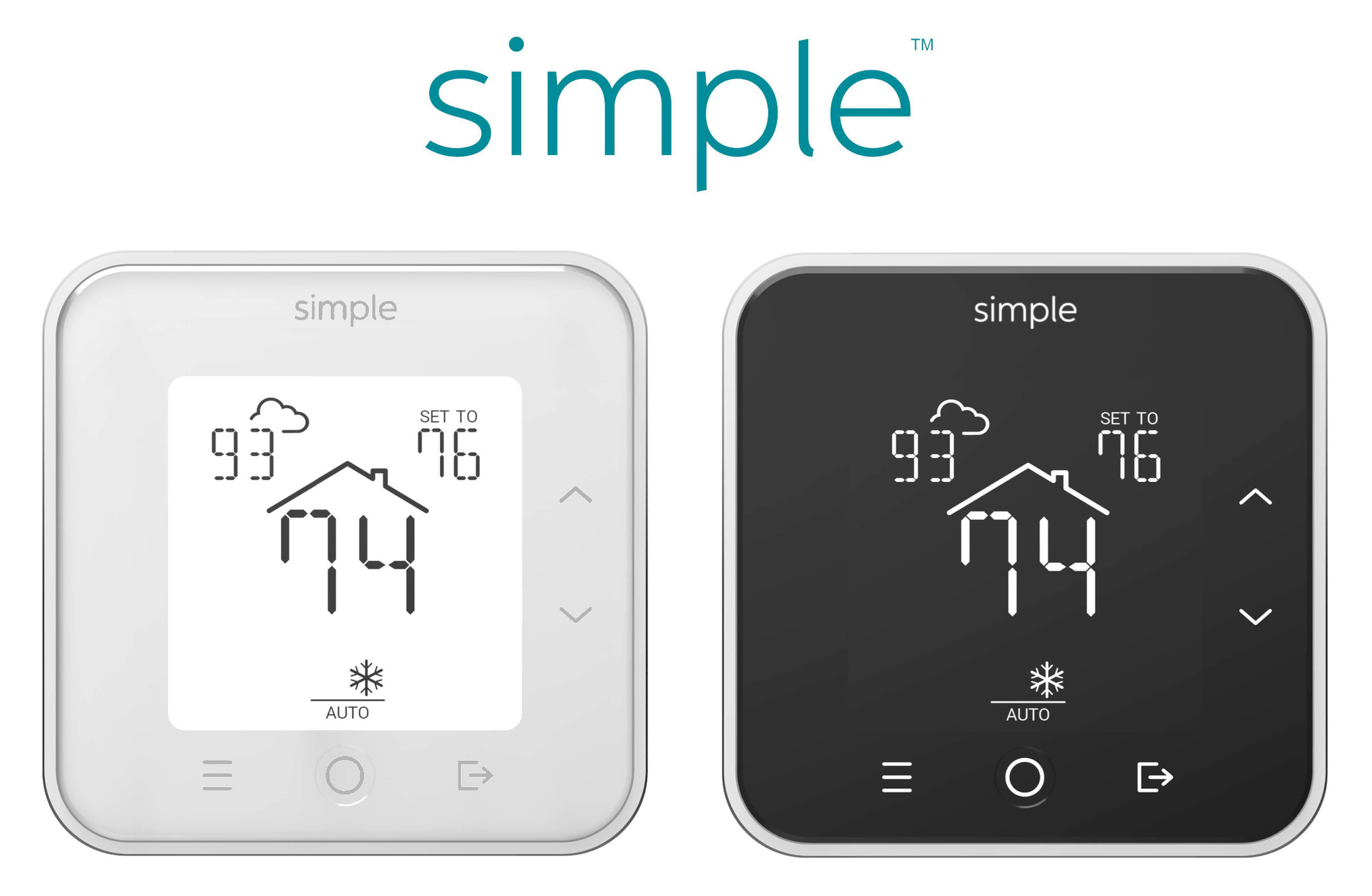
We regret to inform you online services for our smart thermostats ended on
December 31, 2025.
Starting
January 1, 2026, the following changes take effect:
Offline Functionality:
If your thermostat is working properly, it will continue to operate offline. You are able to adjust the temperature and mode using the front panel. Your existing schedule will continue to run. If desired, the schedule can be disabled via the SCHEDULE menu.*
No Schedule Updates:
While you can still change temperature and mode from the front panel, you are no longer be able to update or modify the schedule.
Time Synchronization:
If your thermostat is online, then throughout 2026 the Simple thermostat will continue to synchronize time, including automatic Daylight Saving Time (DST) adjustments. Starting in 2027, the thermostat will use Standard Time only, regardless of DST. This will also be the case in 2026 for offline thermostats that missed receiving the DST updates.
The thermostat must be connected to Wi-Fi to retrieve current time. Manual time adjustment is not be possible.
Discontinued Online Features:
The outdoor temperature will no longer be shown on the front panel. The mobile and web apps will no longer function. This includes features like mobile app geofencing and Alexa integration.
No support for HVAC changes and reinstallation:
If your HVAC configuration changes, for example from AC and furnace to a heat pump, the thermostat cannot be reconfigured. Please disconnect the existing Simple thermostat and have a replacement thermostat on hand
before a different HVAC system type is installed
If a replacement HVAC is of the exact same type and number of stages then the thermostat
may continue to function properly. Note that different brands of heat pumps have different conventions for heat vs. cool signals and may require thermostat replacement. If the replacement heat pump is the same brand and same number of stages then the thermostat is likely to continue working - but this is not guaranteed. For
all HVAC changes, consulting an HVAC technician is
highly recommended.
Account and Data Deletion:
Your account, including your email and any personal information, will be deleted from our platform. You will no longer be able to log into the Simple app or platform for online services.
____________
*The SCHEDULE menu is accessed using the Menu button (3 horizontal bars), then use the up/down arrows so SCHEDULE is shown. Press the Circle button to show schedule settings, and use the up/down arrows to select either ON or HOLD. Hold means the current temperature is held and not affected by the schedule. Press the Circle button to select the desired setting. Then press the Menu button again to exit the menu.
____________
Supplemental documentation and help files are provided below. Note that any online features described are no longer available.
Simple S100 User Guide
Simple S100 C-Wire Adapter
Fix a Blank Thermostat
Connecting Thermostat to Wi-FiPlease print or save this message for reference as future support will not be available